Finally Learn Those Cool Cube Patterns
Interactive 3D simulator with step-by-step algorithms for 2x2 to 5x5 cubes. Turn your Rubik’s-style puzzles into stunning works of art.
Play Free on Google Play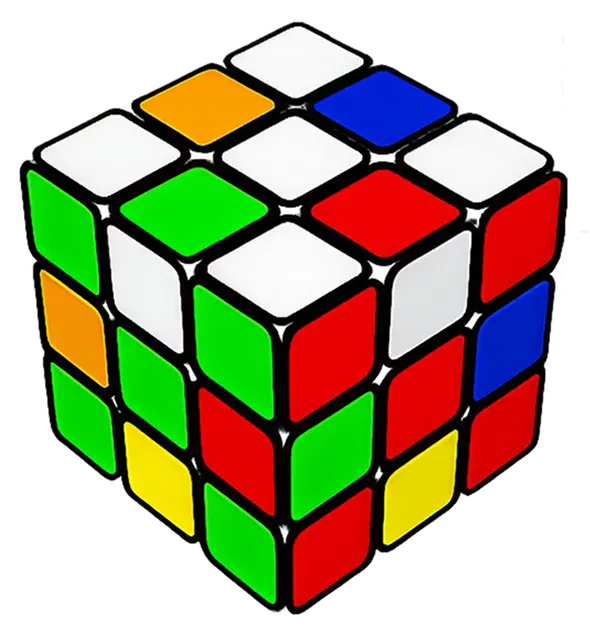
(FEATURES)
-

Interactive 3D Simulator
You can spin the cube around, zoom in, whatever - and it actually looks decent. Plus you can slow things down when you're trying to figure out what the heck is happening.
-

Patterns for Every Size
From Pocket Cube (2x2) to Professor’s Cube (5x5). Includes classic designs like Checkerboard plus advanced custom patterns.
-

Step-by-Step Algorithms
The instructions break down each move so you won't get lost. Really handy when you're still learning or when you mess up and need to backtrack.
-

Full Control & Practice
No physical cube needed. Try stuff out, practice your moves, and get better without needing your actual cube.
(HOW IT WORKS)
-

Choose Your Cube
Select 2x2, 3x3, 4x4, or 5x5 and pick a pattern you want to create.
-

Follow the Algorithm
Watch the 3D simulator execute each move. Adjust speed and view every angle.
-

Master & Create
Keep practicing until you nail it, pick up new patterns, and make your cube look awesome.
(TESTIMONIALS)
-
Exactly what I needed for my 4x4 patterns. The 3D view is solid - I can actually see what's going on instead of getting confused. I can finally do those crazy patterns without wanting to throw my cube across the room.
Jordan Lee

-
Great for both beginners and speedcubers. Instructions are clear and the app doesn't look like garbage. I'm on it pretty much every day learning new stuff.
Elena Vargas
-
Best cube pattern app I've tried. Love being able to rotate the cube in 3D and control playback speed. Super helpful.
Marcus Chen

Frequently
asked questions